

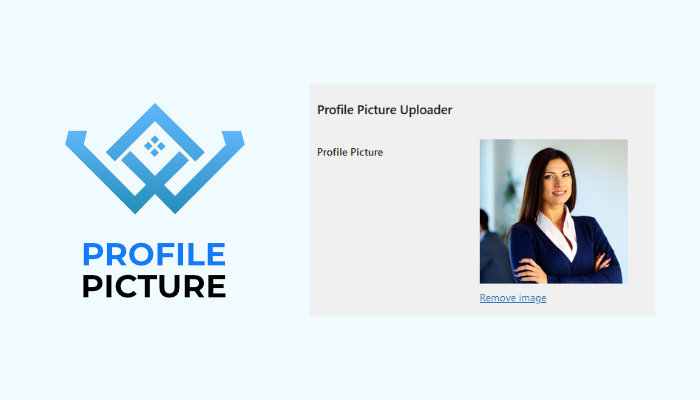
WP Directory Kit – Profile picture uploader
How this works:
When edit profile, users will be able to upload own avatar directly on website
Features:
- Upload own profile picture
- Admin upload user profile picture
- Custom profile picture visible on website
Required to use it:
- WP Directory Kit
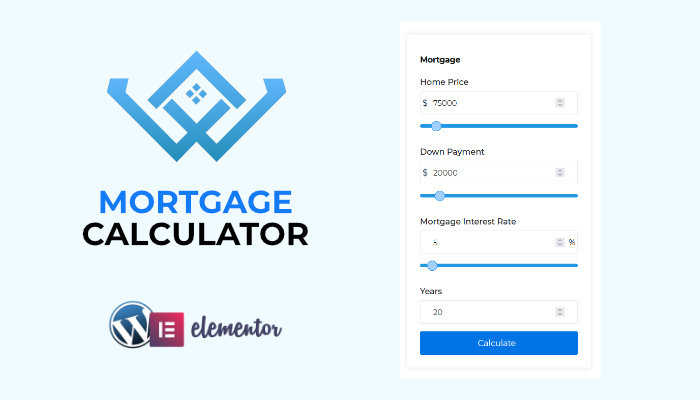
WP Directory Kit – Mortgage Calculatory
How this works:
You will be able to add elementor element for mortgage/loan calculation
Features:
- Mortgage Calculator Elementor element
- Quick Mortgage auto calculated
- Visitor can quickly change parameters
- Prices will be auto converted if currency convertor plugin is used
Required to use it:
- WP Directory Kit
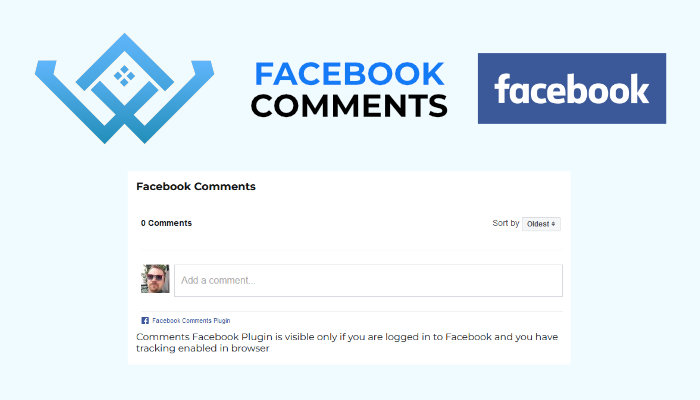
WP Directory Kit – Facebook Comments
How this works:
You will get elementor element which you can position on your listing preview page where user will be able to write facebook comments directly
Features:
- Facebook Comments Elementor Element
- Dashboard Settings for Api keys
Required to use it:
- WP Directory Kit
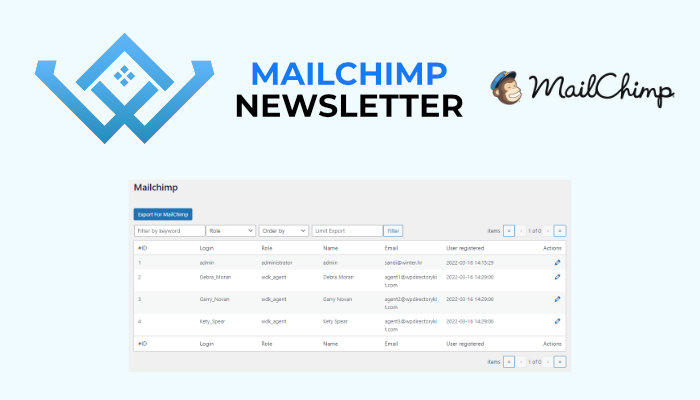
WP Directory Kit – MailChimp Newsletter
How this works:
In admin dashboard you will have option to filter and export csv file with related users,
this file you can then import to mailchimp service
Features:
- Mail csv export
- Filtering for mail export
- Page in Dashboard
Required to use it:
- WP Directory Kit
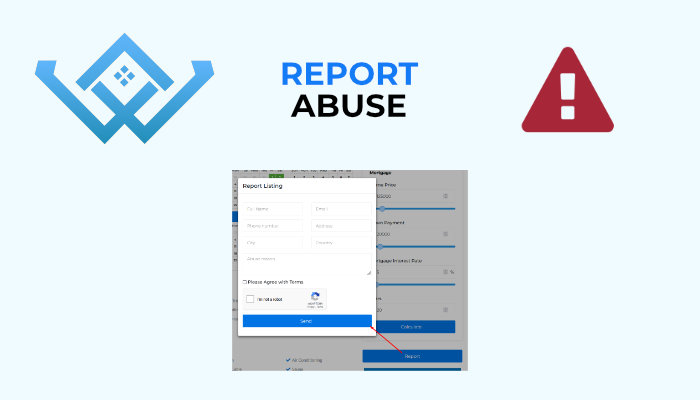
WP Directory Kit – Report Abuse
How this works:
Visitor can click on report/abuse button on listing preview page, then form is opened where visitor can submit information about abuse
Admin receive all data via email and then decide what to do with listing or ask for more info
Features:
- Report Abuse Button on frontend
- Report Abuse Form
- Abuse emails and details
Required to use it:
- WP Directory Kit
- Membership Addon
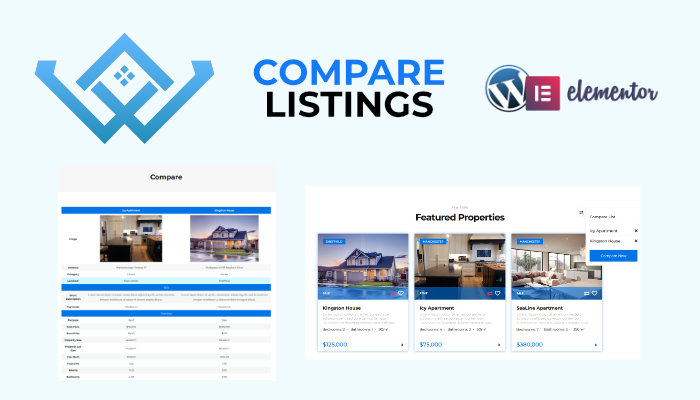
WP Directory Kit – Compare Listings
How this works:
Visitor click on compare icon on results or listing preview, this way will add listings to comparison list.
Then on small nice popup they can click compare now button, then will be redirected to page with comparison tables.
Features:
- Compare button on results
- Compare button on Listing Preview Page
- Compare page with tables
- Prices will be auto convrted if currency convertor plugin is used
Required to use it:
- WP Directory Kit
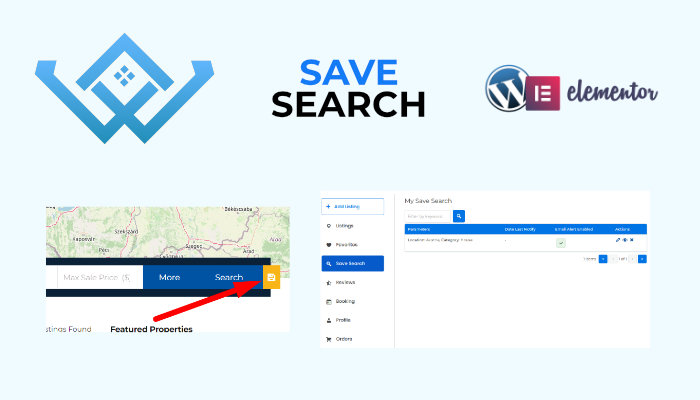
WP Directory Kit – Save Search with Email Alerts
How this works:
Your visitors will be able to save search criteria, after that they will receive
Email Alerts with all new/changed listings based on criteria, or will be able to run search from frontend dashboard
Features:
- Save search button on search form
- Separated save search button
- Save search frontend and backend dashboard pages
- Save Search Email Alerts
Required to use it:
- WP Directory Kit
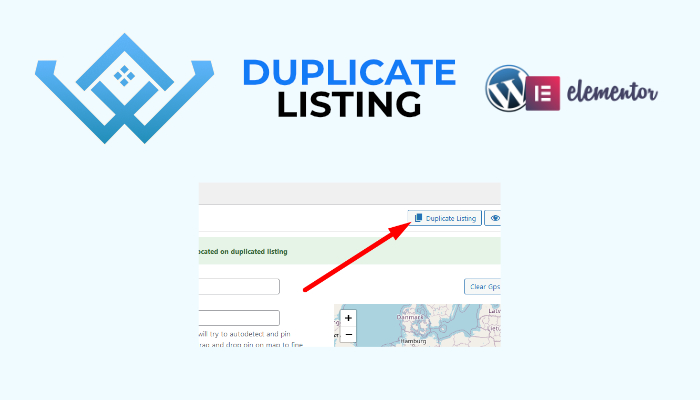
WP Directory Kit – Duplicate Listing
How this works:
In Dashboard open Listing Edit page, click on button “Duplication Listing” and same listing copy will be created.
Features:
- Clone listing data to new listing
Required to use it:
- WP Directory Kit
WP Directory Kit – WDK PDF Download
How this works:
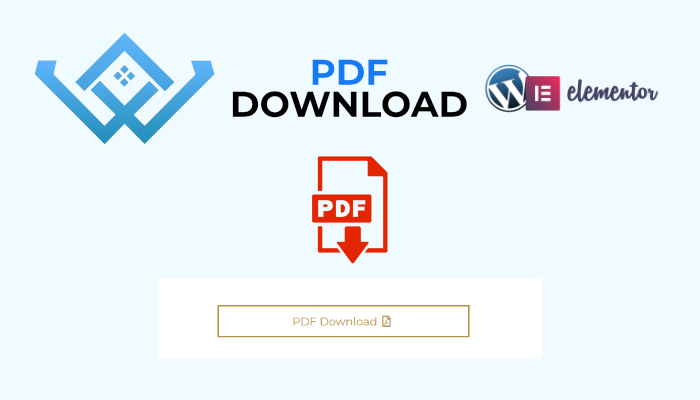
In Elementor you can put WDK PDF Download button element inside Listing Preview Content, then user can download PDF.
PDF is generated with mPdf lib, which support html and css features in layout, you can also customize it.
Documentation Allow Html tags Link here
Documentation Allow Css tags Link here
Features:
- Download Listing in PDF format
- Show Map with pin marker inside PDF
- Easy customizable PDF layout via Dashboard
Required to use it:
- WP Directory Kit
WP Directory Kit – WDK Claim / Take Ownership
How this works:
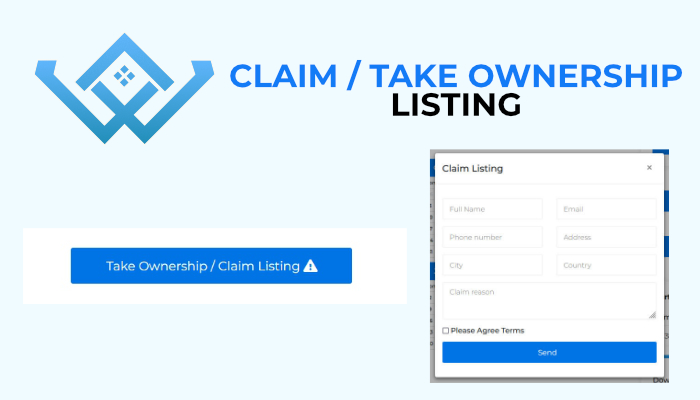
In Elementor you can put WDK Listing Claim button element inside Listing Preview Content, then user can populate form to Claim Listing / Take Ownership.
Admin receive all data via email and then decide what to do with listing or ask for more info
Features:
- WDK Claim / Take Ownership Button on frontend
- WDK Claim / Take Ownership Form
- Claim emails and details in Dashboard
Required to use it:
- WP Directory Kit
- Membership Addon