 Membership Plugin
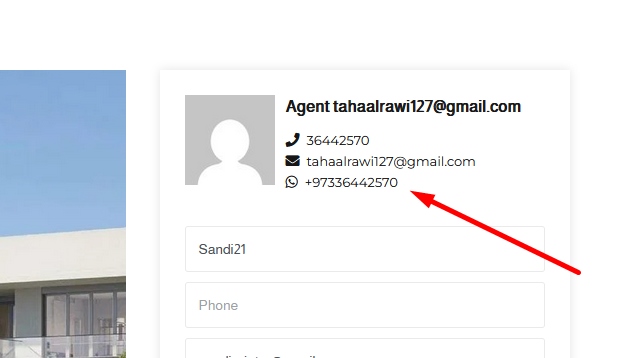
How to add WhatsApp on Directory Listing page?
You will need WP Directory Kit and WDK Membership plugin installed:
https://wpdirectorykit.com/plugin/wpdirectorykit/
https://wpdirectorykit.com/plugin/wp-directory-membership/
Login with administrator account
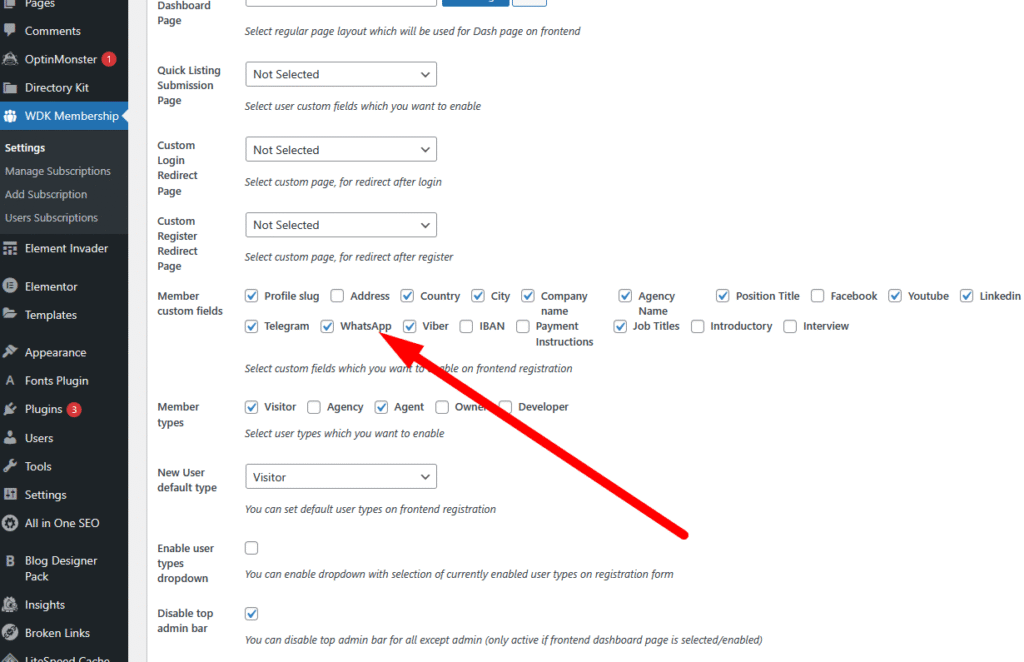
Enable WhatsApp in WDK Membership Settings:
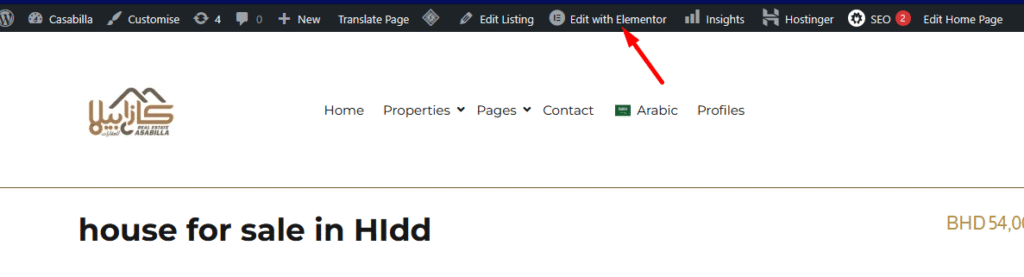
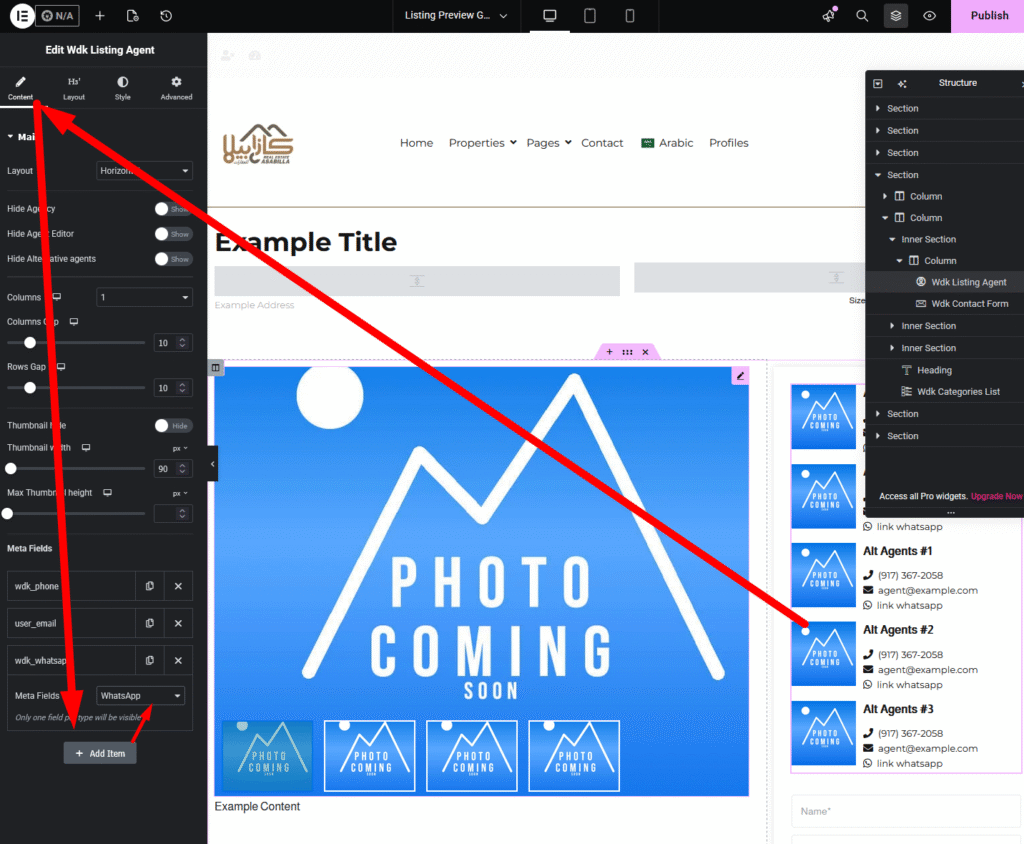
Open listing preview page and click Edit in Elementor
Add WhatsApp on WDK Listing Agent element in Elementor
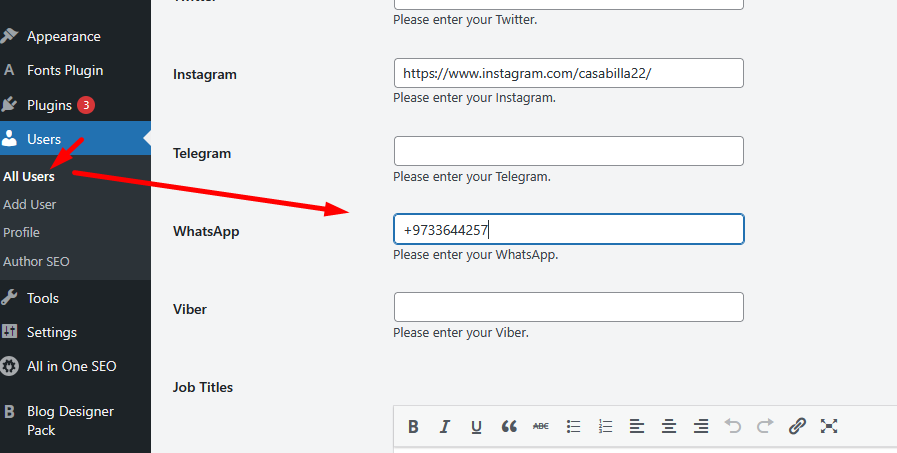
When you edit user account, you can enter WhatsApp number: